

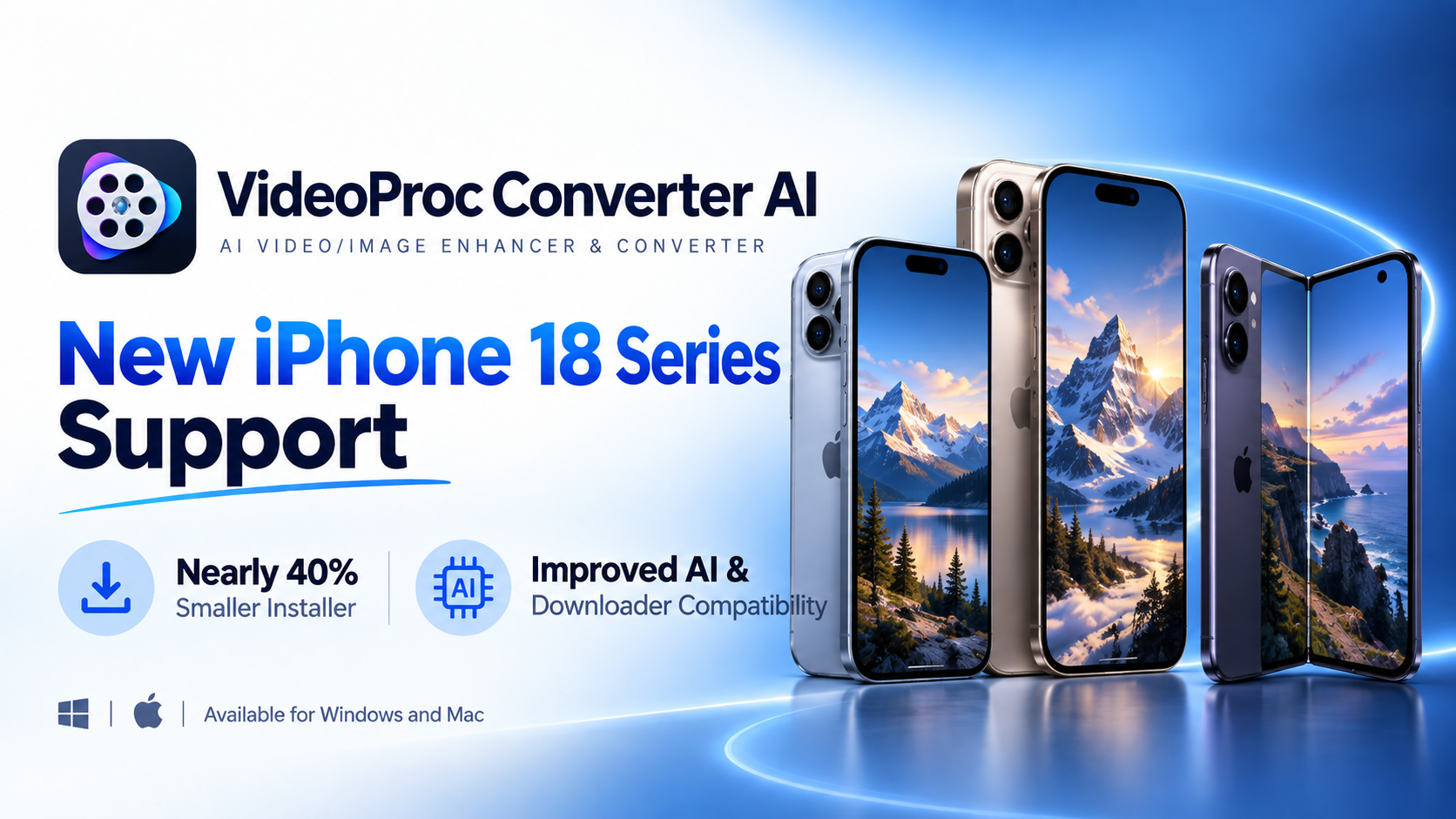
VideoProc iPhone 18 Support
VideoProc Converter AI V8.12 broadens iPhone 18 and macOS 27 support, reduces installer size, and enhances AI enhancing and download reliability on desktop.
CHENGDU, SICHUAN, CHINA, September 20, 2026 /EINPresswire.com/ — Digiarty Software today announced the release of VideoProc Converter AI V8.12, expanding compatibility with the latest iPhone 18 series and macOS 27, while delivering a significantly smaller installer and improvements to AI processing and Downloader compatibility. Available for both Windows and Mac, the new version focuses on making the latest multimedia technologies easier to access while providing a more convenient and reliable user experience.
Developed by Digiarty Software, a multimedia software company established in 2006, VideoProc Converter AI is an all-in-one AI video/image enhancer and converter designed for everyday media processing. It combines AI-powered video upscaling and enhancement, photo restoration, video and audio conversion, DVD backup, compression, recording, and downloading in a single desktop application. With local processing and GPU acceleration, the software is designed to help users handle a wide range of video, image, audio, and DVD tasks without uploading personal files online.
With V8.12, VideoProc Converter AI further expands its device and system compatibility while introducing several practical improvements for AI processing, downloading, and installation:
1. New iPhone 18 Series Support for Easier Media Enjoyment
The new iPhone lineup also provides more room for on-the-go viewing. The iPhone 18 Pro features a 6.3-inch display, while the iPhone 18 Pro Max expands to 6.9 inches. The foldable iPhone Duo goes even further, opening up to a 7.6-inch inner display that approaches the compact-tablet category.
With support for the new iPhone 18 Pro, iPhone 18 Pro Max, and iPhone Duo on both Windows and Mac, VideoProc Converter AI makes it easier to prepare a personal media library for the latest iPhone models. Users can convert videos and DVDs in supported formats into files optimized for iPhone playback, and compress large video files to save storage space for more movies, TV shows, and other content. Once transferred to the device, the converted files can be played locally without an internet connection, making them convenient for flights, commutes, and trips.
Besides, VideoProc Converter AI also provides tools for improving content captured with new or old iPhone. Users can apply AI-powered denoising, sharpening, and enhancement to photos and videos, stabilize shaky footage, increase video resolution and frame rates, and improve audio quality. Together, these tools provide a practical way to prepare both existing media and newly captured iPhone content for better viewing and storage.
2. Nearly 40% Smaller Installer for a More Convenient Setup
One of the most noticeable changes in V8.12 is the substantially smaller installer. The Windows installer has been reduced from approximately 460 MB to 290 MB, a reduction of nearly 40%.
The smaller package can help users download VideoProc faster, particularly on slower or unstable connections, while consuming less bandwidth. It also reduces the amount of temporary data generated during downloading and installation, making updates and reinstallations more convenient for users who frequently upgrade their software or install it on multiple computers.
3. RTX 50 Series Support for AI Video and Image Enhancement
V8.12 adds RTX 50 Series AI runtime support for users with newer NVIDIA GPUs, including the RTX 5070, RTX 5080, and RTX 5090. Users can download the NVIDIA optimization patch to enable the required runtime components for AI-based video and image upscaling and enhancement. The patch is downloaded in the background without interrupting the current operation, allowing RTX 50 Series users to take advantage of the latest NVIDIA hardware.
4. Improved Downloader Compatibility with Python 3.11
For the Downloader, VideoProc Converter AI V8.12 upgrades Python to 3.11 and updates several underlying components. These changes provide a more up-to-date technical foundation for handling the continuously changing technologies used by supported online video platforms and sources. The update is intended to improve Downloader compatibility and reliability while reducing potential issues caused by outdated underlying components.
5. macOS 27 Support and Other Improvements
For Mac users, V8.12 adds support for macOS 27 Golden Gate, allowing VideoProc Converter AI to stay compatible with Apple’s latest desktop operating system and its newest system-level features. The update also fixes several known issues and includes overall stability improvements across both Windows and Mac versions.
“We always try our best to keep VideoProc up to date with the latest hardware, operating systems, and multimedia technologies,” said the Huston Xu, VideoProc development manager. “We will continue working to make new technologies accessible while improving the overall experience for our users.”
Pricing and Availability
VideoProc Converter AI V8.12 is now available for Windows and Mac. Existing users can simply update and install the latest version to access the new features and improvements.
New users can download VideoProc Converter AI from the official website and save 50% on a lifetime license for continued access to its future updates without recurring subscription fees:
https://www.videoproc.com/video-converting-software/buy.htm
About Digiarty Software
Established in 2006, Digiarty Software is a pioneer in multimedia innovation, offering AI-powered and GPU-accelerated solutions for video and image enhancement, editing, and conversion. With its mission to “Art Up Your Digital Life,” the company integrates advanced AI technologies to streamline media processing for professionals and enthusiasts alike. VideoProc, Digiarty’s flagship product, has garnered 5.2 million users across more than 180 countries, reinforcing the company’s role as a leader in digital media innovation.
Viola Nee
Digiarty Software Inc.
+86 28 8513 4884
email us here
Visit us on social media:
LinkedIn
Facebook
YouTube
TikTok
X
Legal Disclaimer:
EIN Presswire provides this news content “as is” without warranty of any kind. We do not accept any responsibility or liability
for the accuracy, content, images, videos, licenses, completeness, legality, or reliability of the information contained in this
article. If you have any complaints or copyright issues related to this article, kindly contact the author above.
 Topic / Technology, Topic / Amusement, Gaming & Casino, Topic / IT Industry, Topic / Media, Advertising & PR, Topic / Electronics Industry, Country / United Kingdom, Country / United States
Be First to Comment